Let customers accept a quote online, without an account
Your quote arrives as a secure link to a mobile-friendly page. From that page a customer can accept, decline, ask a question, request changes or ask to be reminded later, and everything they do lands back on the quote.
Free plan available. No credit card required.
The hardest part of getting a yes is often the part after the customer has decided. A quote attached as a PDF asks somebody to find the email again, write a reply, and say something. Every one of those steps is a place where a decided job goes quiet.
QuoteGlide sends a link instead. The page opens on a phone without an account or a password, shows the quote as a proper document, and puts the responses on the same screen as the price.
What a customer can do from the page
Five responses, all of them one tap away:
- Accept, by typing their name to confirm. The typed confirmation is stored with the time of acceptance.
- Decline, which closes the loop politely and stops the reminders.
- Ask a question, which reaches your reply-to inbox and pauses further reminders.
- Request changes, which marks the quote as needing your attention.
- Ask to be reminded later, which moves the follow-up to the date they chose.
It looks like your business
Quotes carry your business name, and on paid plans your logo and colours. On the Business plan, quote pages and sending can run on your own domain, so the document your customer reads is yours end to end.
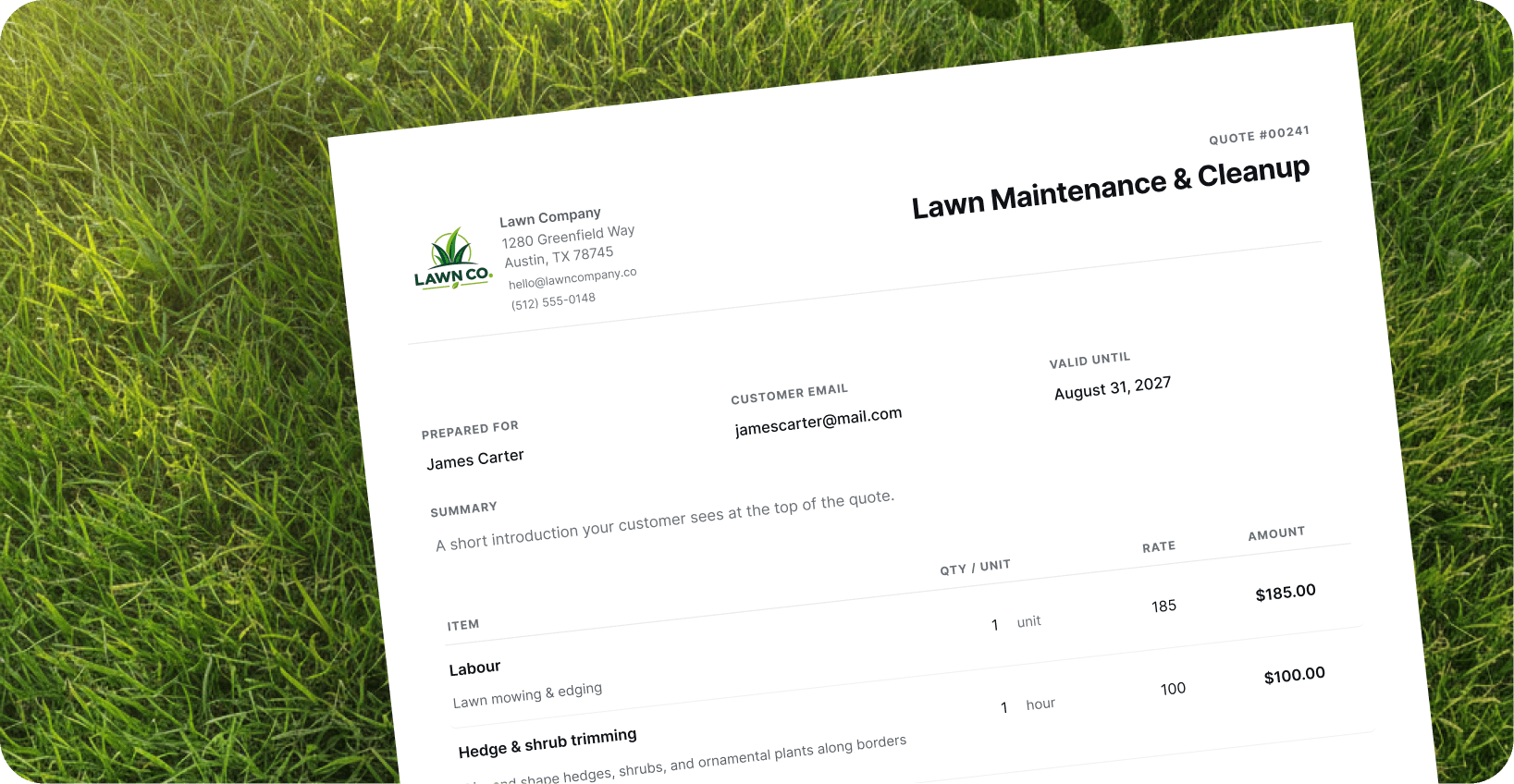
A worked example
What one customer did with a quote, and what the business saw.
Quote for a garden clearance sent on Thursday afternoon. The customer opens it on a phone that evening.
The draft that comes back
- Customer opens the secure link
- No account needed
- Reads the quote on a phone
- Status: Viewed
- Taps Ask a question about access
- Reminders paused
- Business replies from the quote
- Answer emailed
- Customer types their name to accept
- Status: Accepted
- Acceptance record
- Name and time stored
No attachment to find, no reply to compose, and no account to create. The exchange stays on the quote, which is where you will look for it later.
Accepting is a decision, not a payment
Accepting a quote records your customer's decision and the time they made it. It does not take their money. No payment runs through QuoteGlide, and invoicing stays wherever you do it today.
Questions people ask.
Short, factual answers.
Can customers accept a quote online?
Does the customer need an account?
What else can a customer do besides accept?
Can a customer pay through QuoteGlide?
Still have a question? Write to us — a real person replies.